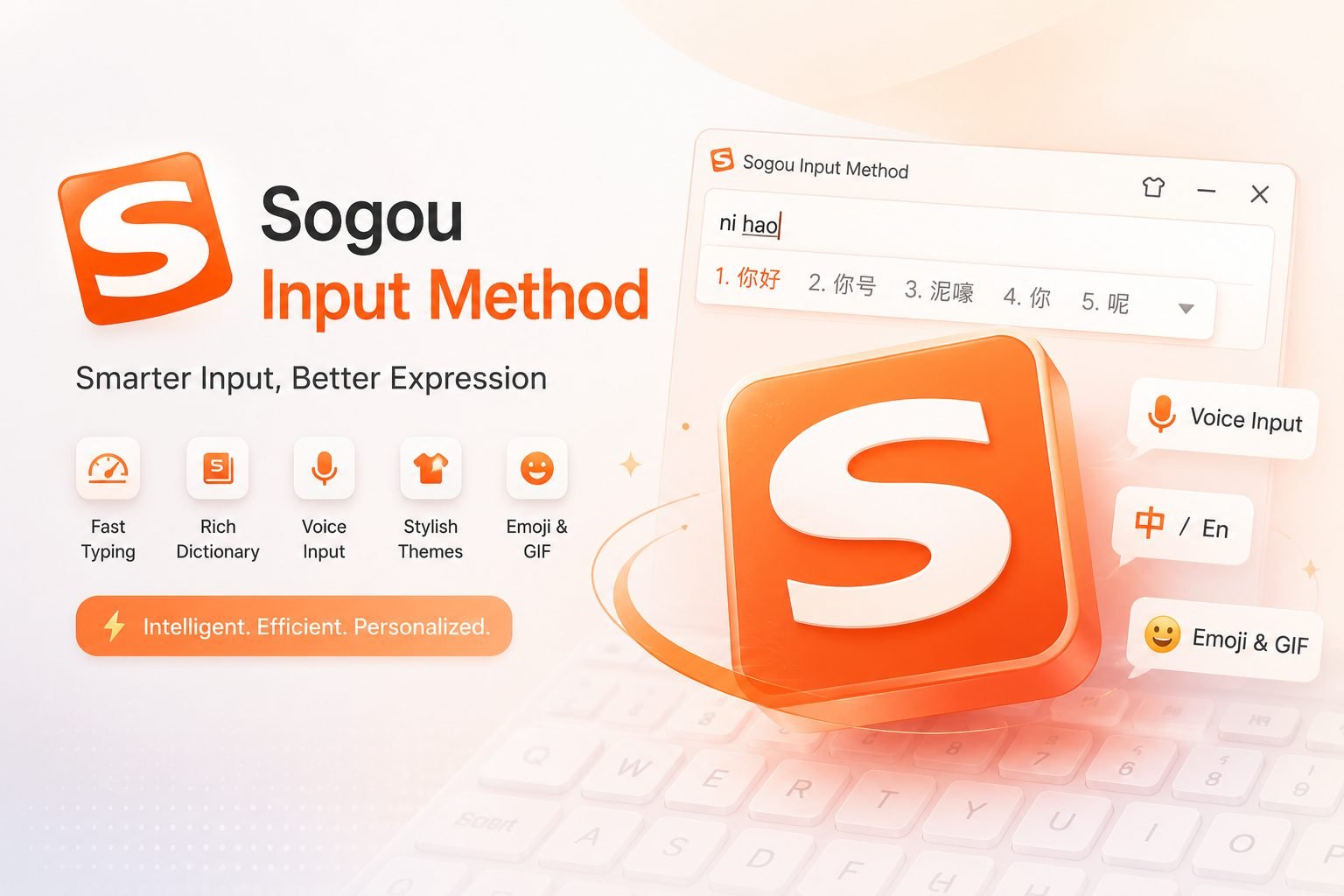
Sogou Input Method remains one of the most popular Chinese input tools in China, known for fast, accurate pinyin input and ongoing innovation; built by Sogou Inc., it blends traditional input mechanics with AI-enhanced features to improve typing speed and relevance while offering customisable skins and easy app downloads across platforms.
Table of Contents
Smart Typing and Efficiency
Sogou Input Method optimises smart typing through intelligent prediction and user-adaptive learning; its engine analyses user habits and frequently used phrases to present the most probable characters or words as you type, reducing keystrokes and accelerating text entry for both casual and heavy users.
Pinyin Input and Accuracy
At the core of Sogou is a high-quality pinyin input system that handles ambiguous syllables and homophones well; by leveraging large language models and contextual analysis, Sogou Input Method suggests correct characters for multi-syllable words and idiomatic expressions, significantly lowering error rates compared with rudimentary pinyin-to-character converters.
AI Search Integration
A standout feature of modern Sogou Input Method versions is built-in AI search, which connects typing with fast online lookup and content suggestions; users can trigger quick searches, fetch definitions, or pull news and web results without leaving their typing interface, creating a seamless bridge between input and information retrieval that enhances productivity.
Customization with Skins
Sogou recognises personalisation matters, so the Sogou Input Method offers a broad library of skins and themes to match user preferences, from minimalist designs to vibrant, animated backgrounds; this visual customisation not only makes typing more enjoyable but also helps users organise multiple input layouts or modes by distinguishing them visually.
App Downloads and Platform Support
Sogou Input Method provides convenient app downloads across major platforms, including Windows, macOS, Android, and iOS, with distribution through official sites, app stores, and partner platforms; easy installation and regular updates ensure users receive new features, security patches, and compatibility improvements without friction.
Productivity Features and Shortcuts
Beyond core typing, Sogou Input Method supplies productivity features like phrase memory, clipboard history, shorthand expansion, and custom hotkeys; these tools let users create text templates, quickly paste frequently used content, and assign shortcuts for special characters, making the Sogou Input Method useful for writers, office professionals, and students.
Privacy and Data Handling
When using Sogou Input Method, users should be aware of privacy considerations; while Sogou collects anonymized data to improve predictions and AI features, it’s important to review permissions and privacy settings during installation and in-app menus so you control what is shared and how personalization is handled.
Language Support and Extended Dictionaries
Sogou extends beyond standard Mandarin pinyin by including regional vocabulary, slang, and domain-specific dictionaries that cover technical, business, and entertainment sectors; the Sogou Input Method’s ability to import user dictionaries and sync across devices helps professionals maintain consistent terminology and accelerates specialized typing tasks.
Voice and Handwriting Input
To complement typed pinyin, Sogou offers voice recognition and handwriting options for users who prefer spoken or drawn input; these modes integrate with the main input pipeline so that whether you speak a sentence or write characters with a finger or stylus, the Sogou Input Method converts them into editable text efficiently.
Compatibility with Third-Party Apps
Sogou Input Method works smoothly with many third-party applications and web services, enabling consistent typing across messaging apps, email clients, and productivity suites; developers and power users can also customize behaviors using plugin-like settings or advanced configurations where available.
Updates, Community, and Support
Sogou maintains an active update cadence for the Sogou Input Method, releasing feature improvements and bug fixes while engaging with users via forums and official support channels; community-contributed skins, dictionaries, and usage tips further enrich the ecosystem and help newcomers learn best practices.
Performance and Resource Use
Sogou Input Method balances responsiveness with resource consumption; while rich features and AI functions can increase memory and CPU usage compared with minimal input tools, recent optimisations in the Sogou client reduce overhead and allow smooth typing even on mid-range devices.
Security Best Practices
When installing Sogou Input Method, download only from official sources or trusted app stores, verify app permissions, and avoid enabling unnecessary network features if privacy is a concern; review account and sync settings to limit the sharing of sensitive phrases and personal information while retaining helpful personalisation.
Comparisons and Alternatives
While Sogou Input Method is feature-rich and widely used, alternatives exist that emphasize lighter footprint or different AI approaches; users should compare candidate input methods on prediction quality, privacy policy, available dictionaries, and user interface to determine whether Sogou aligns best with their priorities.
Future Directions
Sogou continues investing in AI research, so the Sogou Input Method is likely to adopt more advanced contextual understanding, cross-device intelligence, and multilingual support that could bridge Chinese input with foreign-language typing and translation, making future versions even more capable and integrated.
Conclusion
Sogou Input Method remains a leading choice for Chinese text entry by combining robust pinyin input, AI search, customisable skins, and broad platform availability; whether you prioritise smart typing accuracy, visual personalisation, or integrated productivity features, Sogou offers a comprehensive, evolving solution that fits a wide range of users and use cases.
Also Read This: London Tech Insight